
Setup and Management
- User Permission Management: Control Two-Factor Authentication through a dedicated gateway permission settings menu.
- Administrative Enrollment: Access the enrollment process by navigating to the User Accounts section within your admin Options.
- Requirement Activation: Enable the security layer for any specific username by selecting the "Require Two-Factor Authentication" checkbox.
- Secure Passphrase Generation: Utilize the recommended randomly generated key or create a custom Hex passphrase to activate the protocol.
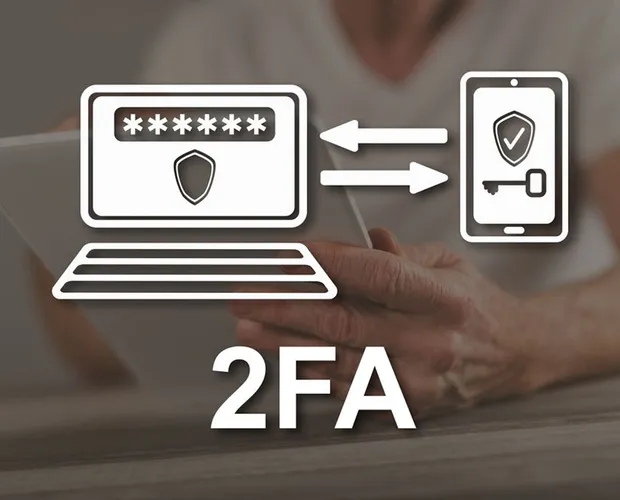
- External App Synchronization: Input your generated security passphrase into a compatible external authenticator application to link your accounts.
- Time-Sensitive Security Keys: Generate a unique login key on your mobile device that remains active for 90 seconds for every access attempt. Compatible apps include OATH Token for Apple and Mobile-OTP for Android.